Home
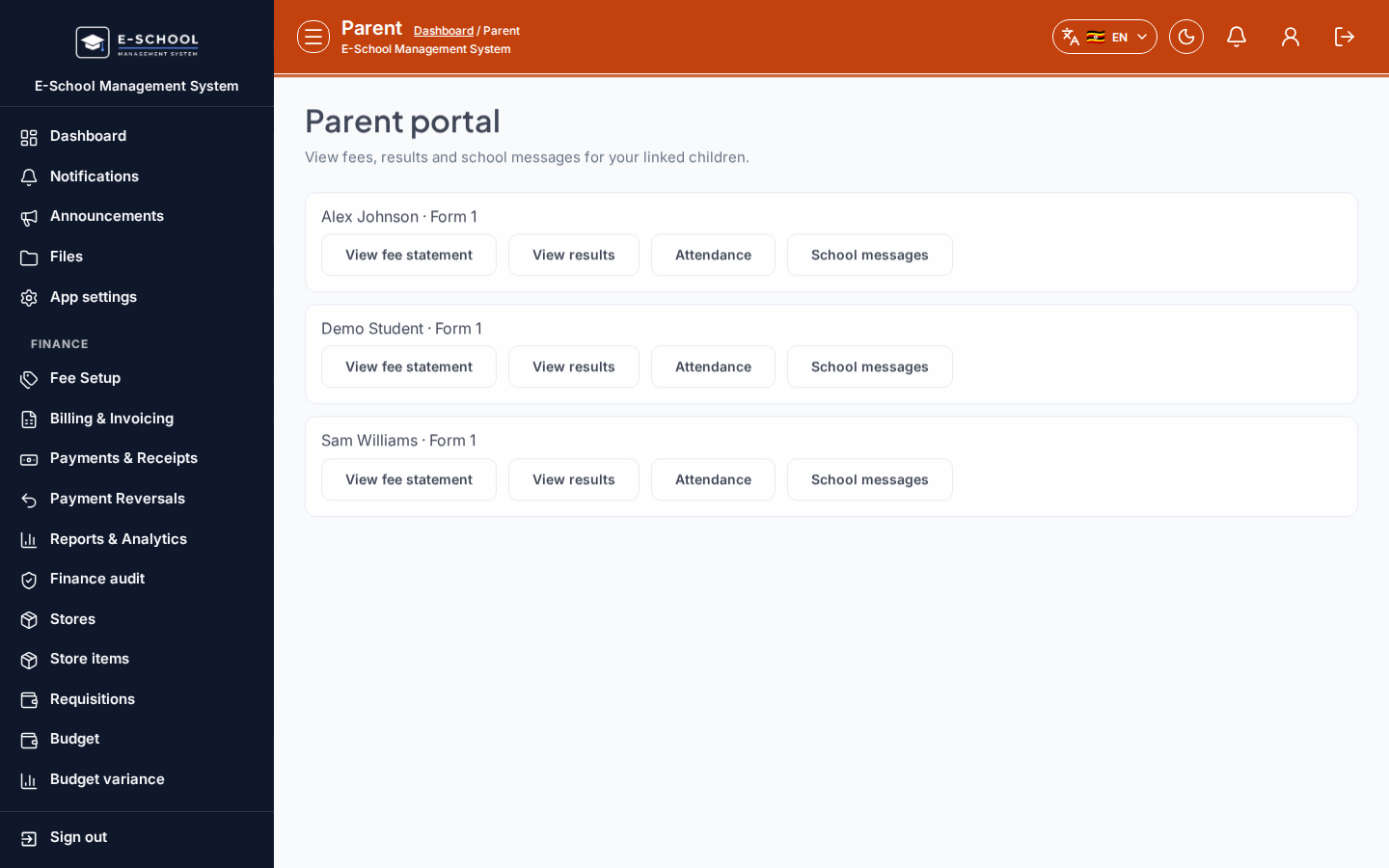
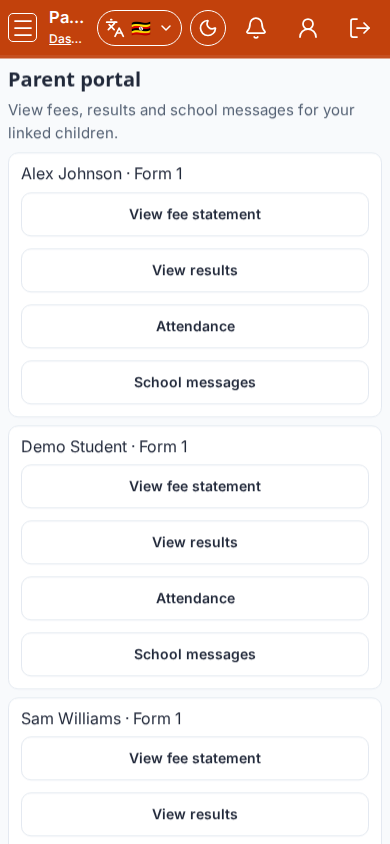
Parent portal home: pick a child and jump to fees, results, attendance, or messages.
Who can use this
- PARENT
Path
/parent
Dependencies
- At least one linked child.
- Empty state means the office has not linked learners yet.
Screenshot
Steps
- Open Parent portal at
/parentas PARENT. - Choose Child when multiple learners are linked.
- Use View fee statement, View results, Attendance, or School messages.
- Update phone under Profile if contacts changed.
- If No linked students yet, contact the school office.
Fields and actions
- Child picker
- View fee statement / View results / Attendance / School messages
Common mistakes
- Looking at the wrong child
- Expecting to link children yourself
- Missing fee notices under Fees vs Messages