Medical Reports
Health KPIs and exportable reports across visits, vaccinations, dispenses, referrals, and inventory.
Who can use this
- NURSE
- ADMIN
Path
/health/reports
Dependencies
- Source modules have recorded data.
- Pick export category before Generate report.
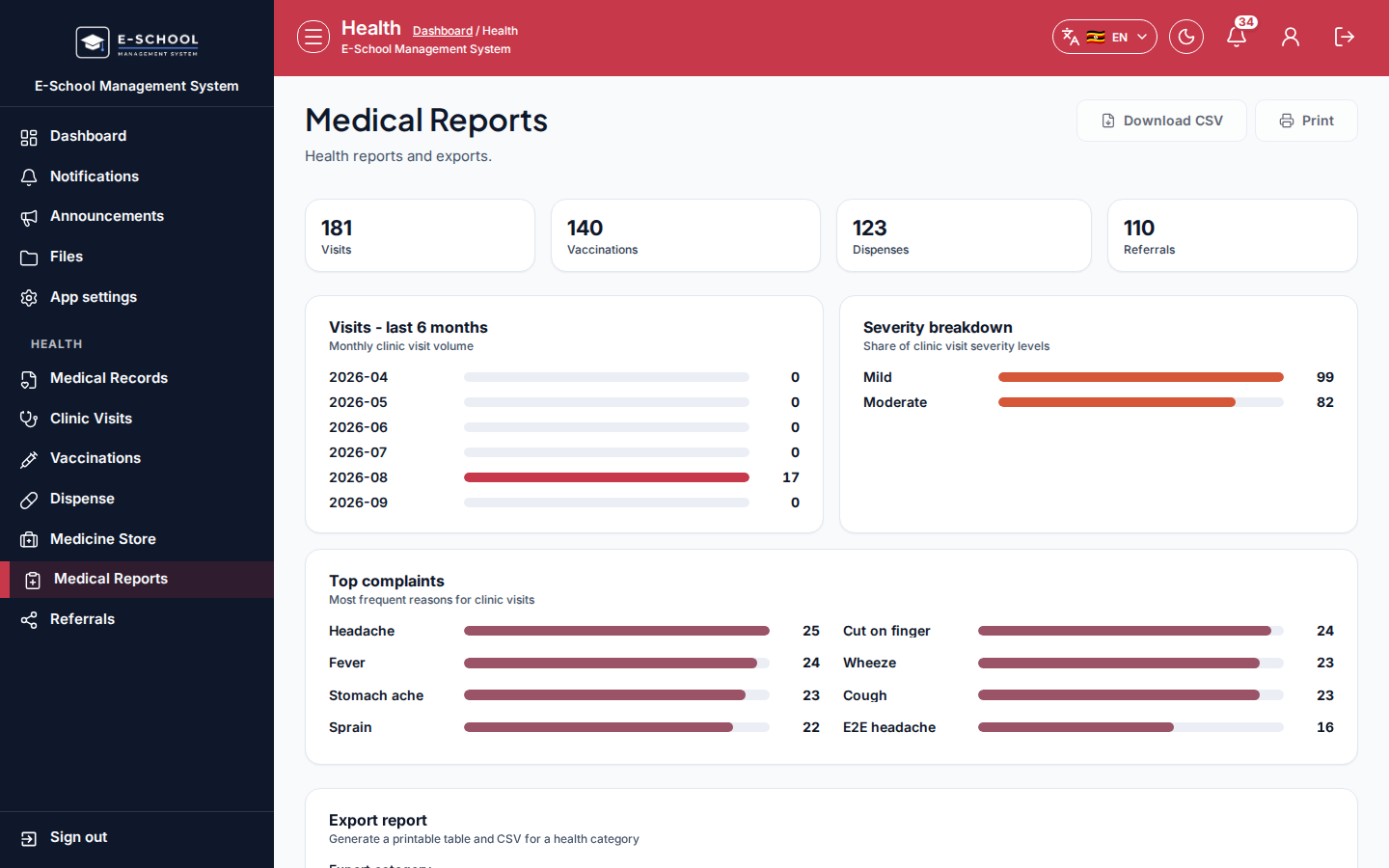
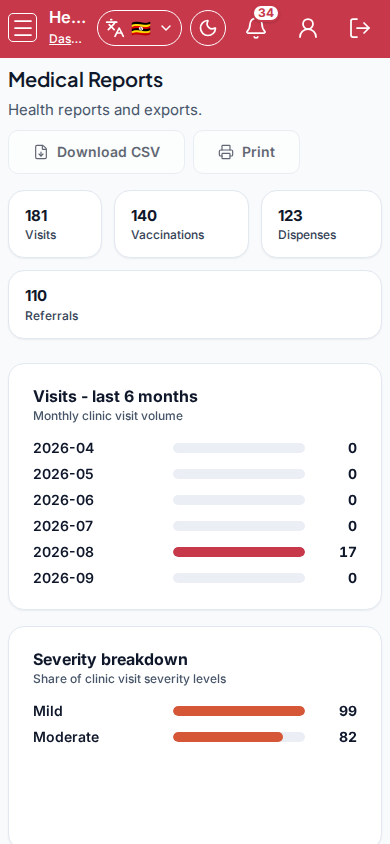
Screenshot
Steps
- Open Medical Reports at
/health/reportsas NURSE. - Review KPIs: Visits, Vaccinations, Dispenses, Referrals, and charts.
- Set Export category (Clinic visits / Vaccinations / Dispenses / Referrals / Medicine inventory).
- Click Generate report.
- Investigate empty charts by recording visits/vaccinations first.
Fields and actions
- KPIs and charts
- Export category / Generate report
Common mistakes
- Generating before selecting category
- Expecting finance-style date filters that are not on this page